
Can I have a different style for each kind of draft?
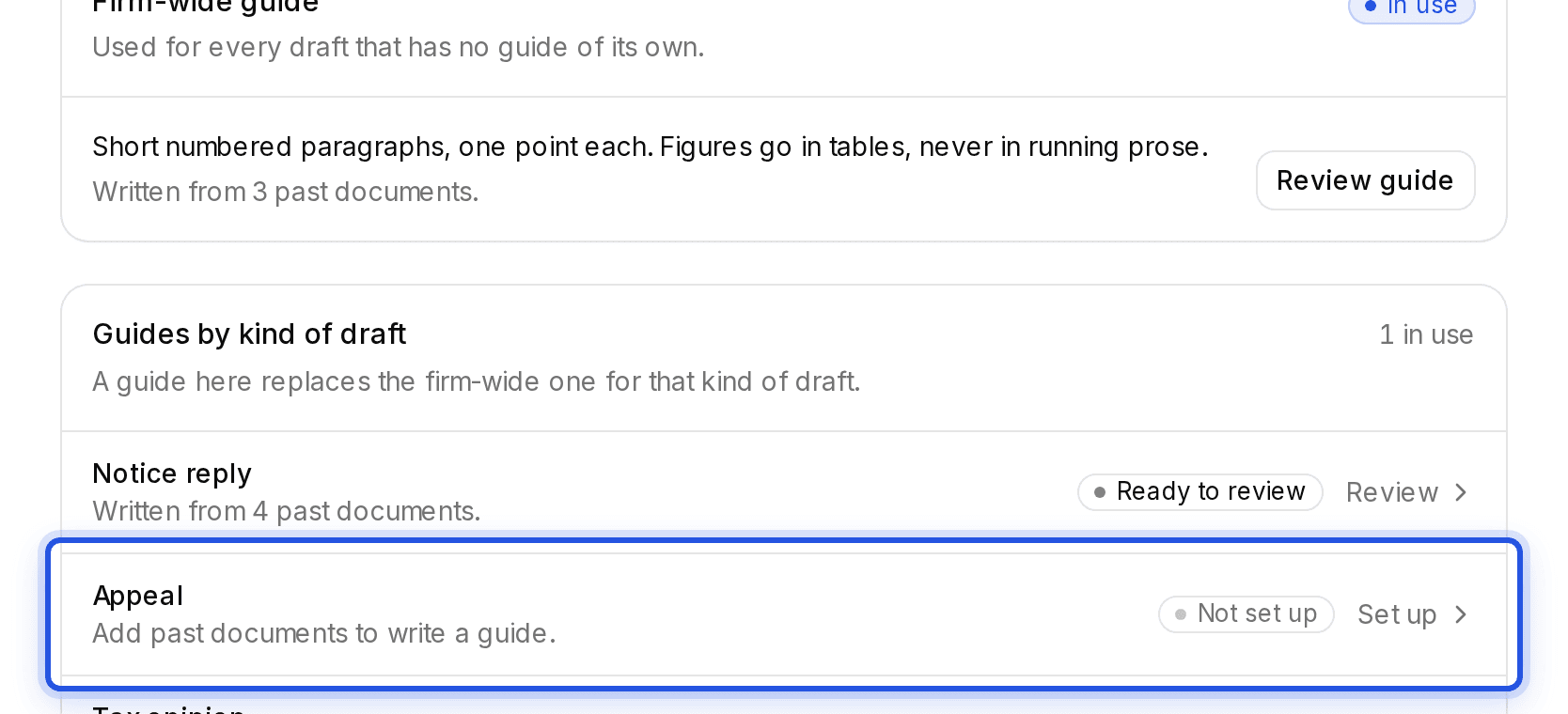
Yes. Under Guides by kind of draft, set up a guide for one kind. It replaces the firm-wide guide for those drafts only.
Updated 29 Sept 2026
Guides by kind of draft
In Train your Charter AI, choose Set up next to a kind of draft and follow the same steps as for the firm-wide guide.
Turning the guide off for one draft
Once a guide is active, the start-drafting dialog shows Use your trained drafting style, on by default. Switch it off to write that one draft without your guide. Your other drafts are not affected.
Was this helpful?
Still stuck? Write to support and we will get back to you. Contact support