
How do I check a fact against the notice?
Click a fact in the draft, or Open source in the facts panel. The notice opens at the right page with the text highlighted.
Updated 29 Sept 2026
Steps
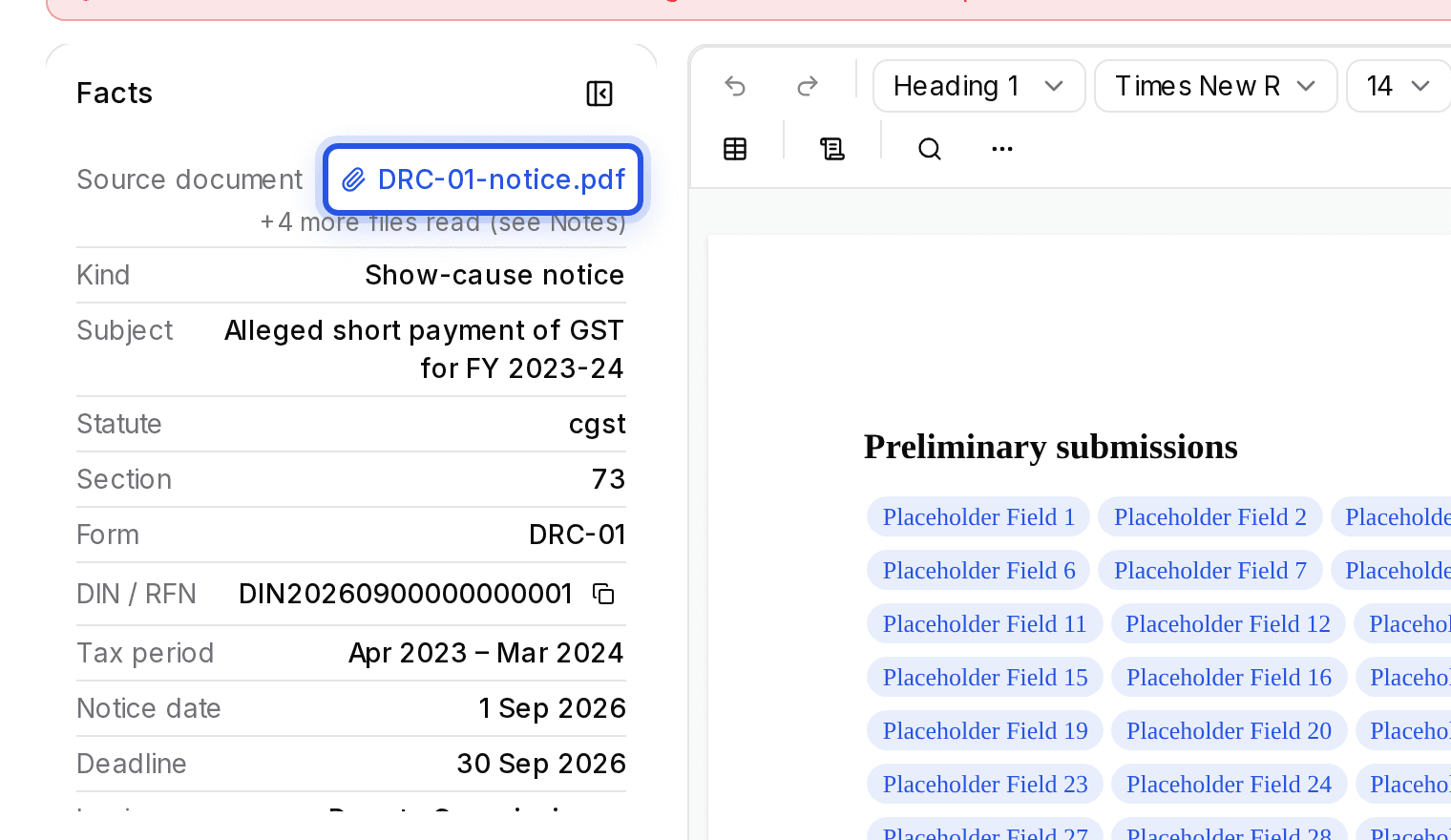
- Step 1: Open the draft. The facts panel on the left lists what was read from the notice: DIN or RFN, form, section, assessment year, notice date, deadline and more.
- Step 2: Choose Open source next to a fact, or click the fact where it appears in the draft.
- Step 3: The Source document opens at that page with the text highlighted. Use Previous fact and Next fact to move through them.
A fact marked Not found in the notice was not in the file. Check it yourself before you rely on it.
Was this helpful?
Still stuck? Write to support and we will get back to you. Contact support