
How does Refer and earn work?
Share your link from Settings, Refer and earn. When a colleague pays for any plan you earn ₹1,000 by UPI, and they get an extra month. Payouts follow a 45 day hold.
Updated 26 Oct 2026
Share your link
- Step 1: Open Settings, then Refer and earn.
- Step 2: Choose Copy link, or Share on WhatsApp to send a ready message.
- Step 3: Your colleague opens the link and signs up within 30 days.
What your colleague gets
One extra month added to their first paid plan, whichever plan they choose. It applies once, to the first payment. Renewals run for the normal term and price.
When and how you are paid
- You earn ₹1,000 when your colleague pays for any plan for the first time. There is no cap on how many colleagues you can refer.
- The row in Your referrals moves from Signed up to Reward queued, and you get an email.
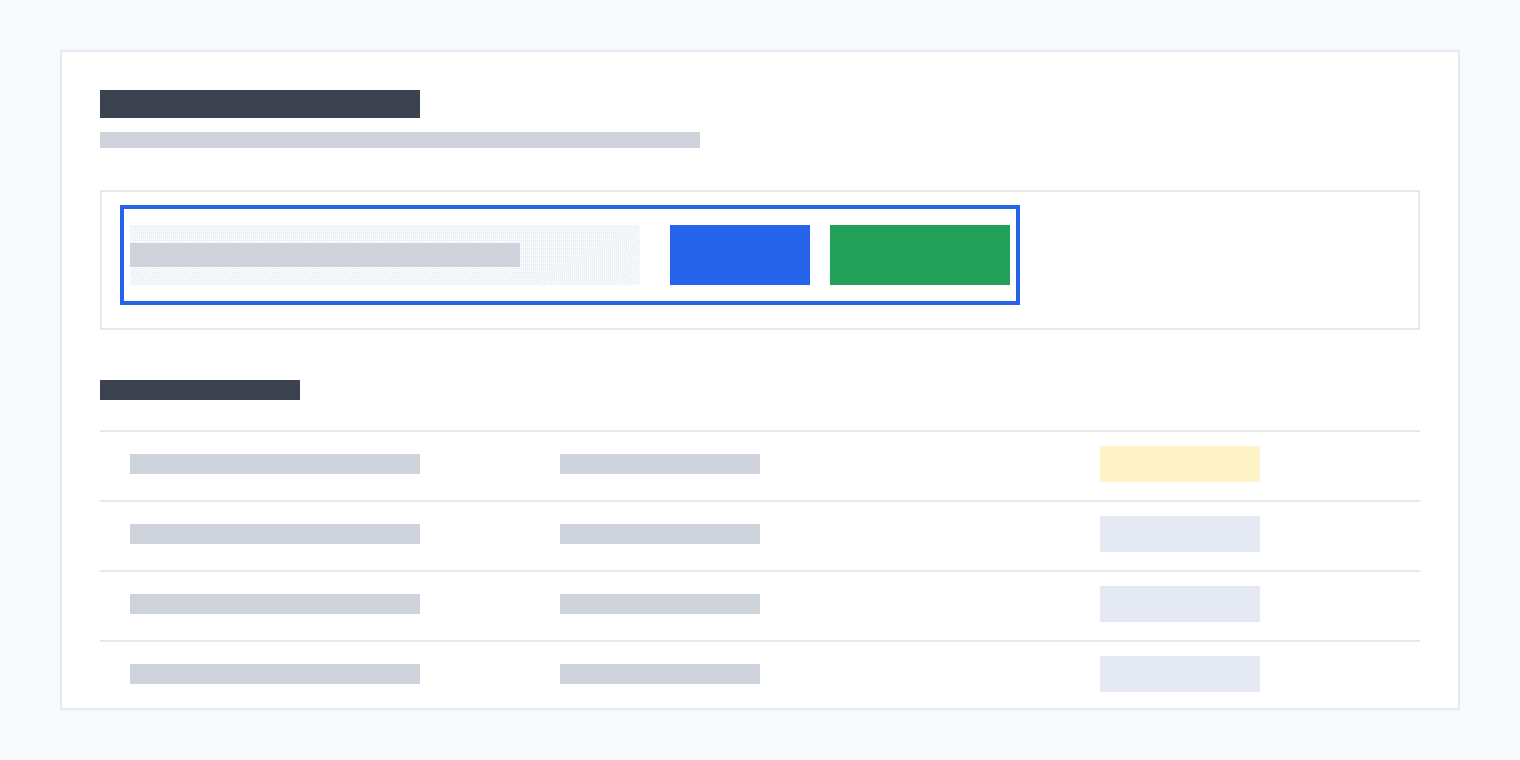
- Add your UPI ID in the UPI details card that appears once a reward is queued.
- We hold each reward for 45 days, then pay all due rewards by UPI at the start of the following month. The row turns Paid and we email you.
You see only the first two letters of your colleague's email, the rest hidden, to keep it private.
Changing your UPI ID
You can add your UPI ID once and change it twice. After that the card shows that UPI details can be changed only twice. To change it again, contact support. A UPI ID can be linked to one Charter AI account only.
Why a referral can be reversed
- You signed up through your own link, or with an email that is yours in another form.
- Your colleague was refunded, or their plan lapsed, within 45 days of paying.
- The same UPI ID or the same person appears on more than one account.
A reversed referral shows as Reversed and does not pay. A refund within 6 months of a payout can be recovered from you, so we ask you to return the amount.
Was this helpful?
Still stuck? Write to support and we will get back to you. Contact support