
How do I cancel renewal?
In Settings, Billing, choose Cancel renewal and confirm. Your plan stays active until its end date and you are not charged again.
Updated 29 Sept 2026
Steps
- Step 1: Open Settings, then Billing.
- Step 2: Choose Cancel renewal.
- Step 3: Read the message and choose Cancel renewal again. Keep renewal leaves it as it was.
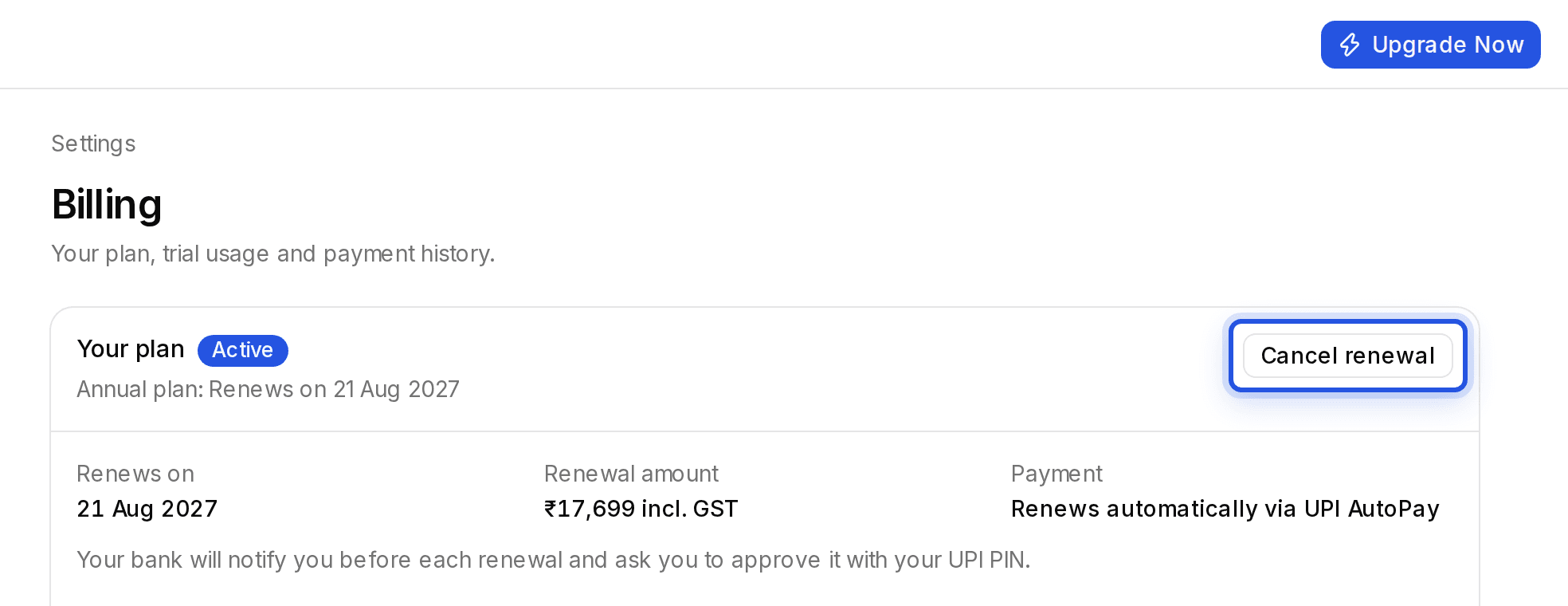
Billing then shows Access ends on with the date. If a renewal payment is already overdue, the plan ends as soon as you cancel.
Was this helpful?
Still stuck? Write to support and we will get back to you. Contact support