
How do I change my name, firm name or password?
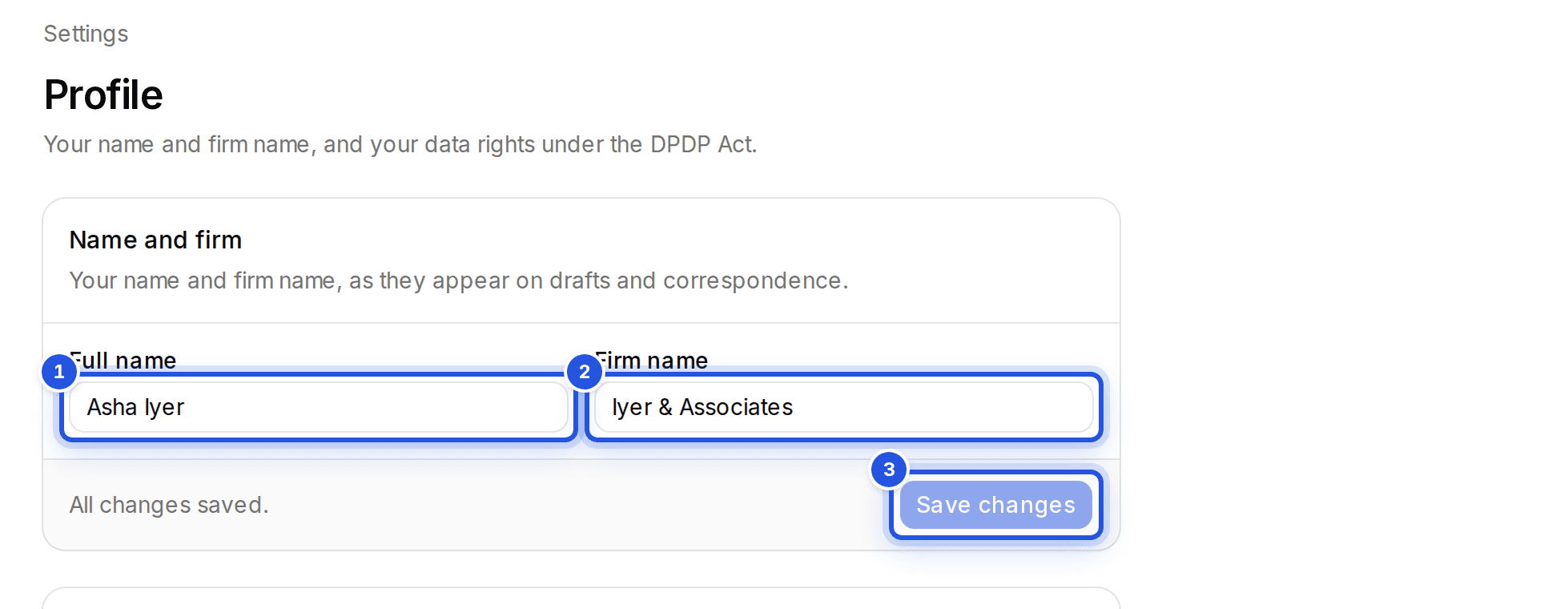
Change your name and firm name in Settings, Profile. For your password, open the account menu, choose Manage account and then Reset password.
Updated 29 Sept 2026
Name and firm
Open Settings, then Profile. Edit Full name and Firm name and choose Save changes. They appear on drafts and correspondence.
Password
- Step 1: Open the account menu at the top of the sidebar.
- Step 2: Choose Manage account, then Reset password. We email you a link.
If you sign in with Google there is no Charter AI password to reset. Sign out is in the same account menu.
Was this helpful?
Still stuck? Write to support and we will get back to you. Contact support