
How do I reuse a file I already uploaded?
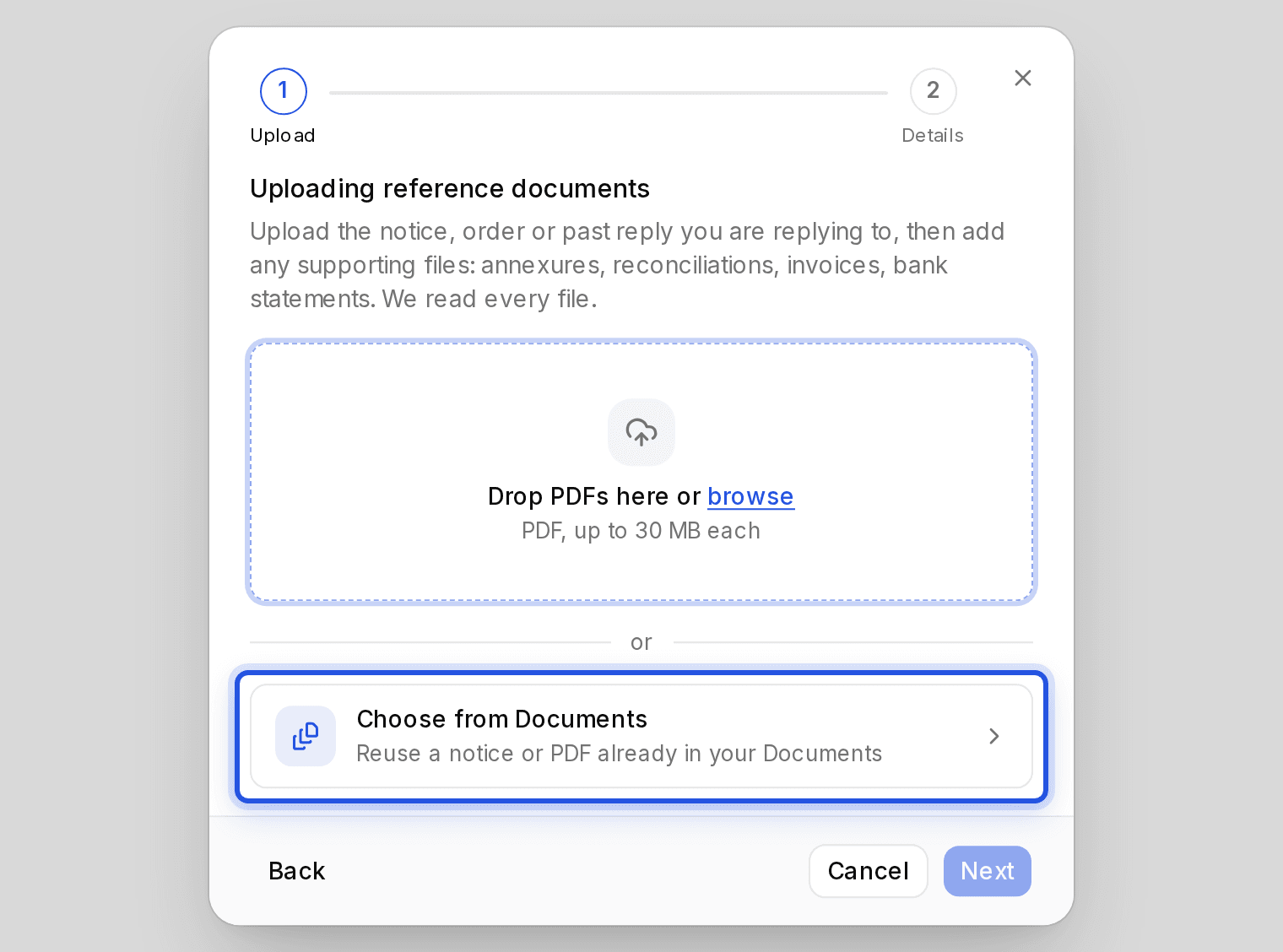
Wherever you can upload, you can also choose Choose from Documents and pick the file. Nothing is uploaded or read again.
Updated 29 Sept 2026
Where it works
- Starting a draft in Drafting.
- Attaching PDFs to a Research question.
- Importing into Bookkeeping.
- Starting a GST recon.
- Adding past documents in Train your Charter AI.
Steps
- Step 1: Choose Choose from Documents under the upload box.
- Step 2: Search by file name, or filter by client, kind or date.
- Step 3: Select the file and choose Use this file, or Add file when you can pick several.
Was this helpful?
Still stuck? Write to support and we will get back to you. Contact support