
How do I delete a client?
At the bottom of the client's page, under Danger zone, choose Delete client and type the client's name to confirm. This cannot be undone.
Updated 29 Sept 2026
Steps
- Step 1: Open the client and scroll to Danger zone.
- Step 2: Choose Delete client.
- Step 3: Type the client's name to confirm. It is not case-sensitive.
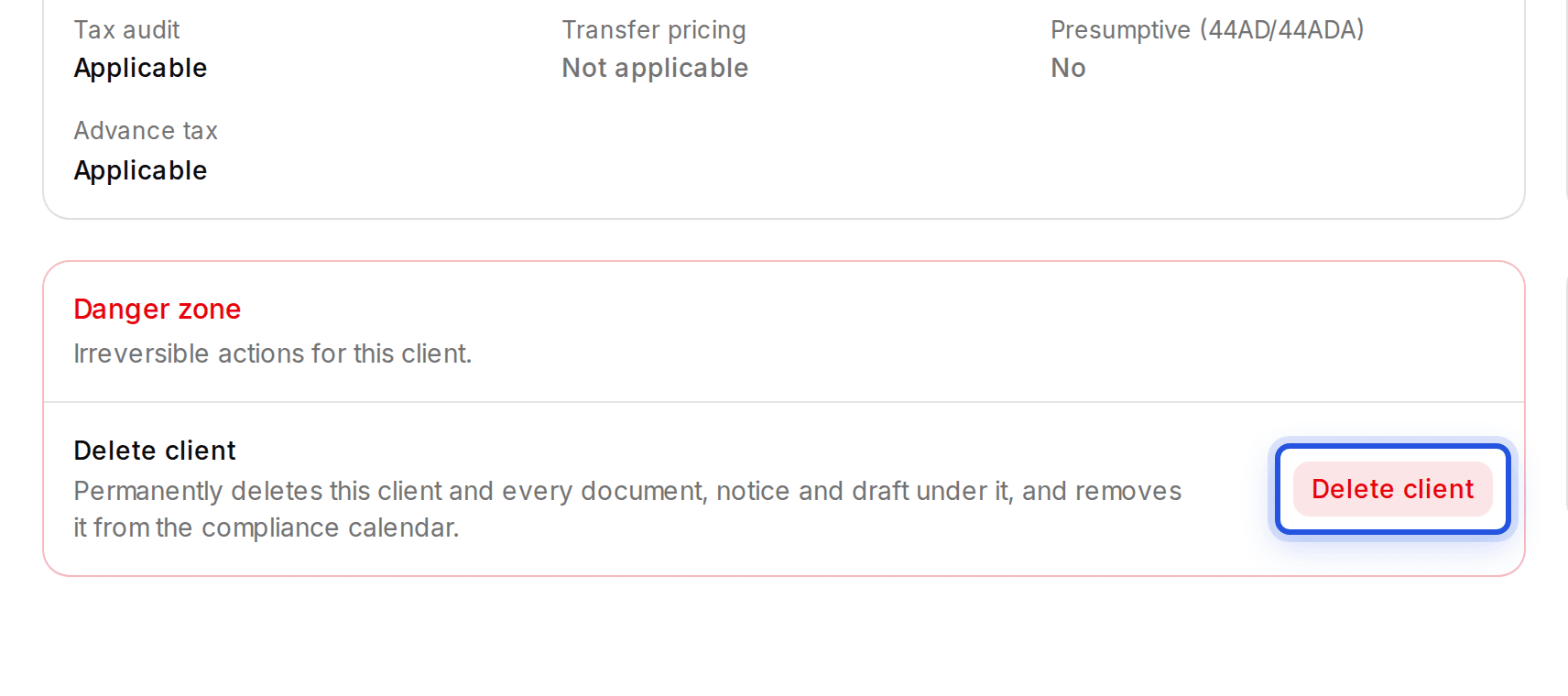
This permanently deletes the client and every document, notice, draft and calendar entry under it.
Was this helpful?
Still stuck? Write to support and we will get back to you. Contact support