
What does my client see, and where do the files go?
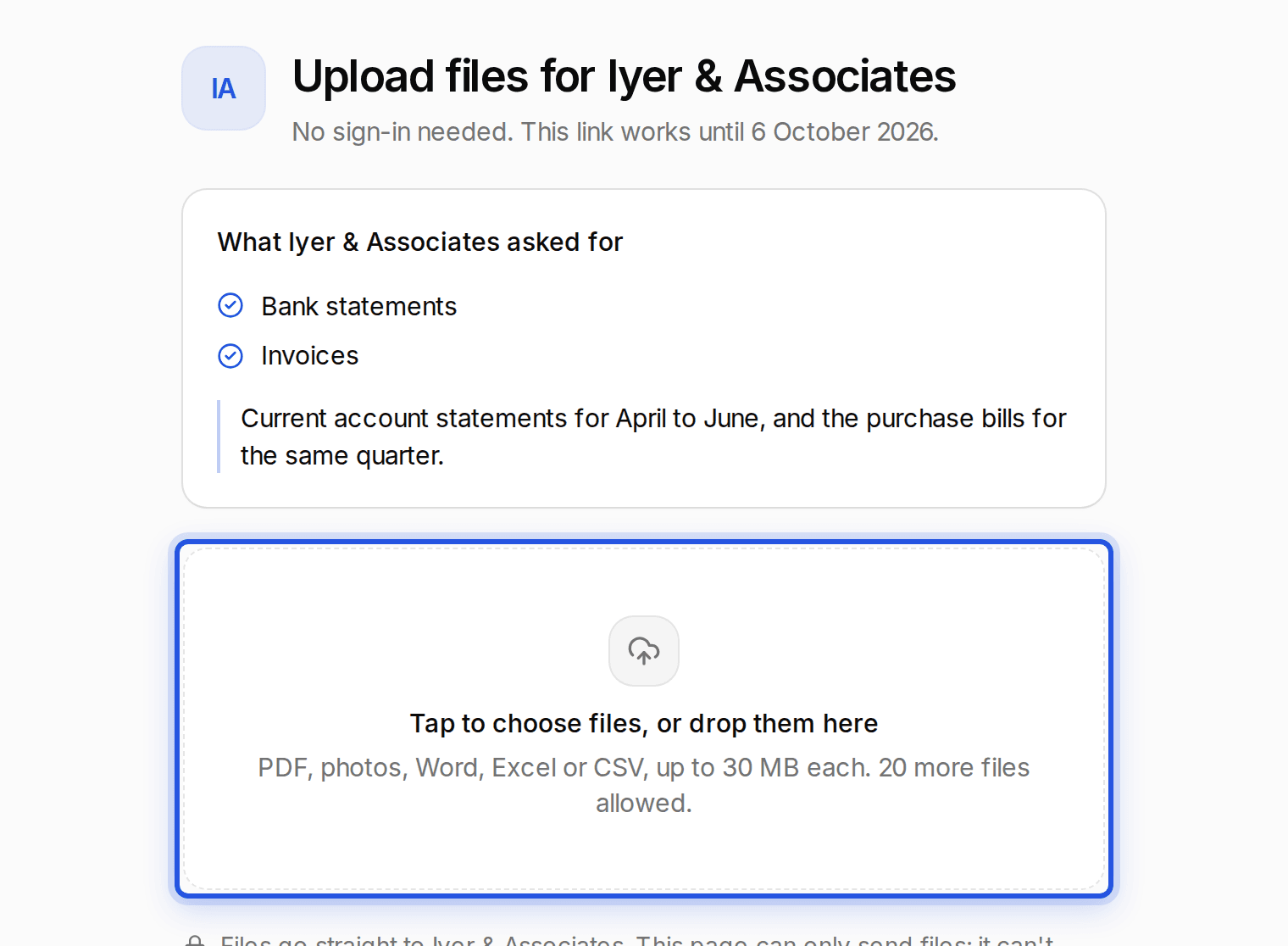
Your client sees a secure upload page with your firm's name and your note. Files land straight in that client's documents and you get a notice in Charter AI.
Updated 29 Sept 2026
For your client
- No sign-in. They open the link on a phone or computer and choose files.
- PDF, photos, Word, Excel or CSV, up to 30 MB each.
- They can close the page when it says the files are with you, or send more.
For you
Each file lands in the client's documents, marked as a client upload. A message in Charter AI tells you it arrived, with View to open it. In Documents, the Client uploads source filter shows them all.
Was this helpful?
Still stuck? Write to support and we will get back to you. Contact support